Before you download a mod: the five-minute checklist that prevents most failed installs
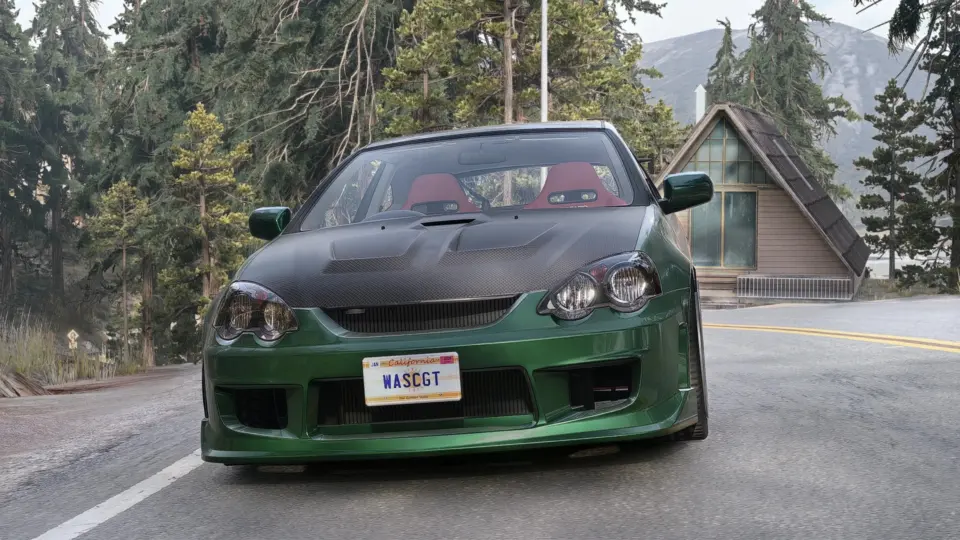
Most failed mod installs are decided before the download starts: a mod for the wrong game version, a missing dependency, a 2 GB file on a connection that drops, a reupload that the author asked to be taken down. Five minutes on the mod’s page prevents nearly all of them. Here is the checklist, with links to the full guides where a question needs more than a line.
1. Is it for your game, and your game’s version?
The game is usually obvious; the version is not. Look for the version the author tested on and the date. A BeamNG mod “for 0.40.x”, an ETS2 mod “for 1.61”, a Farming Simulator 25 mod updated after patch 1.24: these tell you whether the mod will load today. An older version is not automatically a problem, but some categories are more sensitive than others: why mods break after game updates explains which.
- Truck mods: ETS2 and ATS mods are not interchangeable; see what transfers between the two games.
- Farming Simulator: FS22 mods do not load in FS25; see why.
- GTA V: Legacy and Enhanced are separate editions; see the GTA V guide.
2. Does it need anything else?
Read the description for “requires”, “needs” or “dependency”. Map mods for the truck games need specific DLCs and often several parts in a set order (map mod guide). BeamNG skins and config packs need the car they belong to. Assetto Corsa cars often need a minimum Custom Shaders Patch version (Assetto Corsa guide). GTA V scripts need Script Hook V for your exact game version. A missing dependency is the most common reason a mod “does nothing”.
3. Is the size right for your PC and your connection?
File size is mostly textures, and textures are video memory. A 700 MB car on an 8 GB graphics card next to a big map will stutter; a 2 GB map on a mobile connection may never finish. Look for a lite version: what lite versions remove explains why it is usually the one to try first, and what heavy mods need covers the hardware side.
4. What kind of files does it contain?
Models, textures and configuration files cannot harm a computer. Game scripts run inside the game. Native code (.asi, .dll, .exe) runs on your PC like any program. The guide on mods that run code explains how much the VirusTotal result on the file page tells you for each kind, and the red flags that apply to all of them: password-protected archives, installers, and instructions to disable your antivirus.
5. Is this the author’s own release?
Check that the page names the creator, and that the mod is not something its author sells. Paid mods shared for free are not allowed here, and neither are reuploads the author did not permit; how mod licences work explains the common phrases. If you are the author of something you find here without your permission, the report guide shows how it is handled.
After the download
- Check that it arrived whole. Compare the size with the page, or check the SHA-256 (one command). If it stopped early, resume it within six hours.
- Keep the archive as the game wants it. BeamNG, ETS2, ATS and FS25 read zips directly; GTA V and Assetto Corsa want folders. Archive formats covers repacking a 7z or rar.
- Install and test it alone first. Safe Mode in BeamNG, a scratch profile in the truck games, a test savegame in Farming Simulator. If it works alone and fails with your other mods, you have a conflict, not a broken mod.
The thirty-second version
- Right game, right version, recent date.
- Dependencies listed and installed.
- A size your card and your connection can take, or a lite version.
- Data, script or code, and a scan result that fits.
- A named creator, and not a paid mod.
- Size or hash checked after the download, then a test on its own.
New words on a mod page? The mod glossary explains sixty of them.
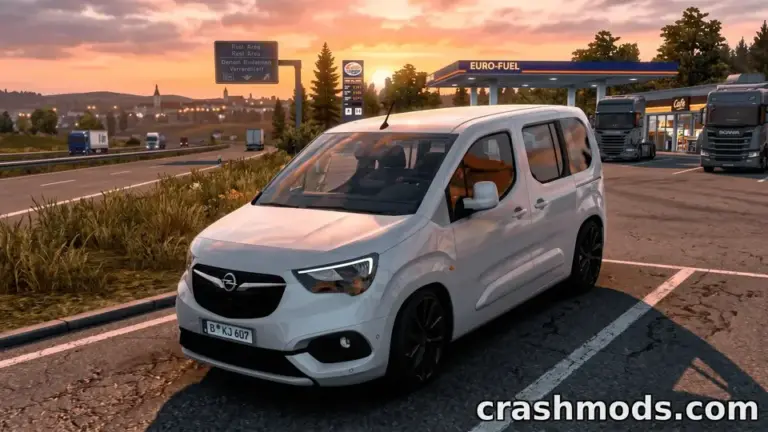 Zip, 7z or rar: which archive formats each game accepts, how to repack to zip correctly, and why we prefer zip
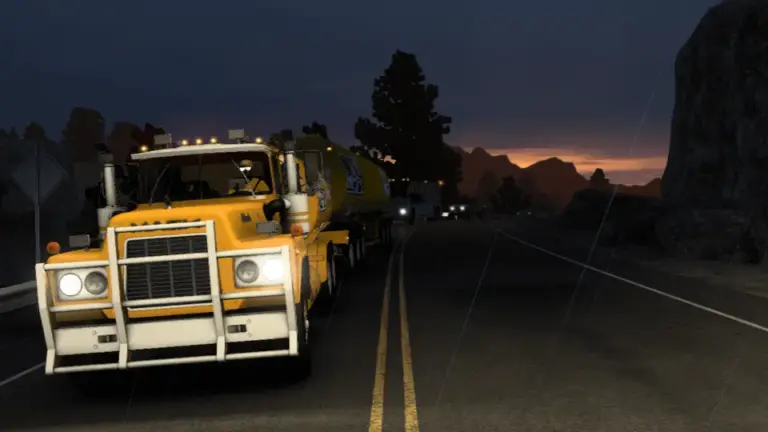 Steam Workshop, official catalogues and mod sites: how each game handles mods, and the trade-offs of each route
 How to verify a download with SHA-256 on Windows, macOS and Linux, and what a mismatch means
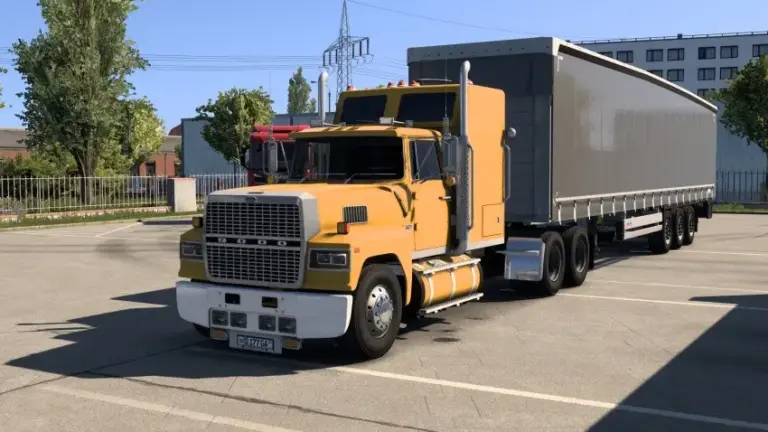 Lite versions explained: what authors remove, what you lose, and why the lite build is usually the one to download first