Garry’s Mod Workshop addons: subscribing, collections and keeping the list tidy
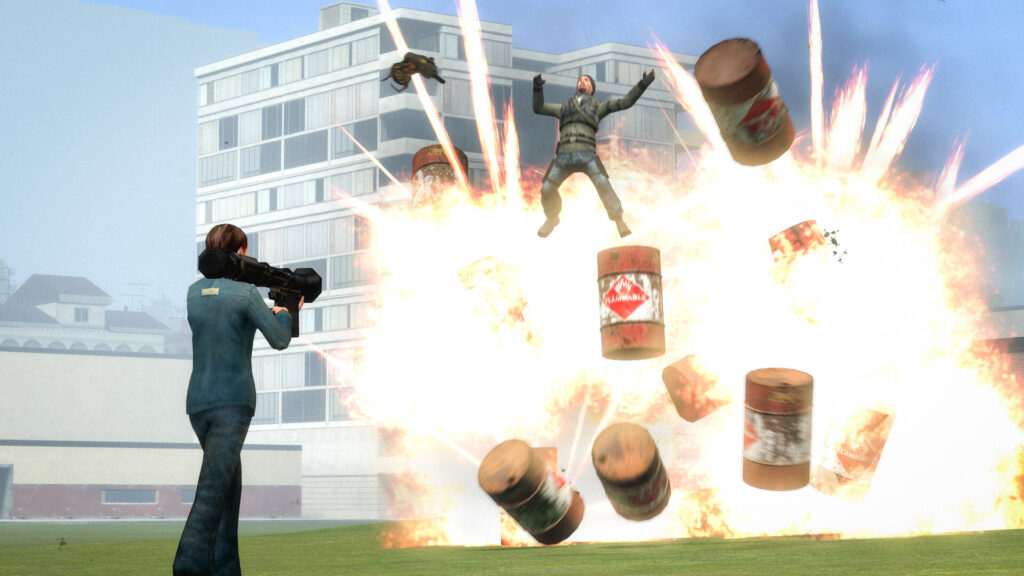
This guide is for anyone who has just opened the Steam Workshop for Garry’s Mod and feels unsure where to start. By the end you will know how subscribing works, how collections group addons together, and why a tidy subscription list matters more than it looks.
Before adding anything new, back up your saves. Addons rarely touch save files directly, but a bad combination of scripts can still cause odd behaviour, and it costs nothing to keep a spare copy somewhere safe.
How Workshop addons work
Addons for Garry’s Mod live on the Steam Workshop. When you subscribe to one, Steam downloads it automatically and Garry’s Mod loads it the next time you start the game. You do not need to move files by hand or unzip anything yourself.
Always get addons from the author’s own Workshop page rather than a random download link. The Workshop handles updates for you, so if the author changes the addon later, it updates on its own.
Subscribing to an addon
The process is the same for almost every addon, whether it is a map, a model pack or a gameplay tool.
- Open the Steam Workshop section for Garry’s Mod.
- Find the addon on its own page, written by its original author.
- Click the subscribe button on that page.
- Launch or restart Garry’s Mod so Steam can finish downloading the files.
- Check the game’s addon list or spawn menu to confirm it loaded correctly.
If you plan to play on a specific server, check whether that server lists required addons. Subscribing to the ones it expects usually stops missing content errors.
Using collections
A collection is simply a bundle of addons grouped together by whoever made it. Subscribing to a collection subscribes you to everything inside it in one go, which saves you clicking through dozens of separate pages.
Collections are useful for themed setups, such as a group of props and tools meant to work together, or the exact addon set a server recommends. If you later want to drop the whole bundle, you can usually unsubscribe from the collection itself, though checking that each addon inside is removed too is sensible.
Keeping the list tidy
It is easy to end up subscribed to far more than you actually use. Every addon you try, every collection a friend shares, adds another entry to your list, and most people never go back to clear them out.
Unsubscribe from anything you are not actively using. This is not just about tidiness. A long subscription list means more content for Garry’s Mod to read and load every time you start the game, and loading times stretch out noticeably once the list grows large. Fewer addons also means fewer chances for two scripts or models to clash with each other.
Go through your subscribed items occasionally and ask whether you have used each one recently. If the answer is no, unsubscribe. You can always resubscribe later if you change your mind, since the Workshop keeps the addon available.
If something goes wrong
If an addon does not appear in-game after subscribing, give Steam time to finish downloading, especially for larger content packs. Restarting the game often fixes addons that seem to have subscribed but not loaded.
If the game crashes or behaves oddly after adding something new, unsubscribe from the most recent addition first and restart. Work backwards through recent changes one at a time rather than removing everything at once, so you can tell which addon caused the problem.
If a model or texture looks broken, check whether the addon needs another addon as a base, since some packs rely on shared content listed on their Workshop page. Verifying your game files through Steam can also clear up missing or corrupted downloads.
Keep online play in mind too. If an outline, server rule or addon description warns against using certain content in online modes, respect that and keep those addons for single player or private servers instead.
A practical habit worth keeping: before you subscribe to anything new, unsubscribe from one thing you no longer use. Your list stays roughly the same size, loading times stay manageable, and you are far less likely to end up with a folder of forgotten addons you cannot remember installing in the first place.