Traffic in BeamNG.drive: setting it up, choosing a count your CPU can take, and what traffic mods do and do not change
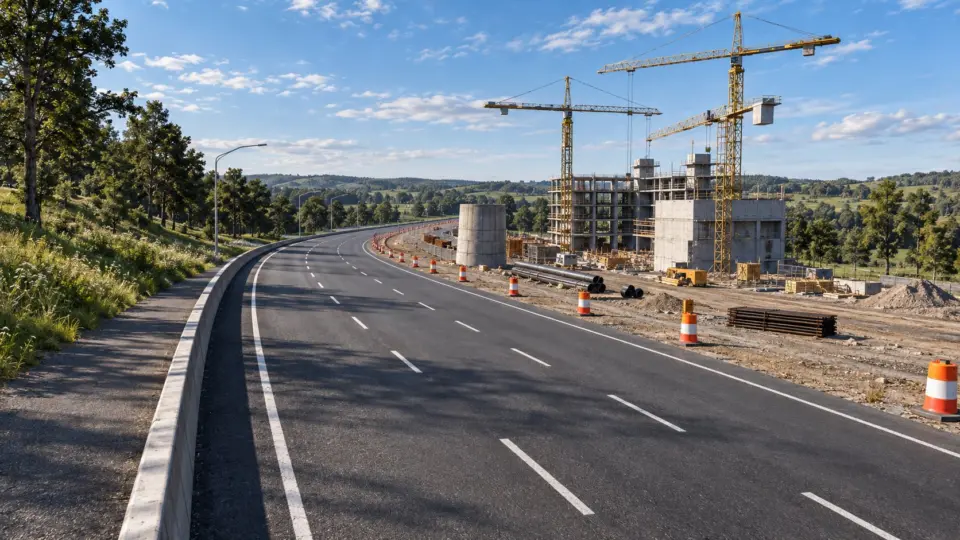
Nothing changes how BeamNG.drive feels as much as traffic, and nothing costs as much. Every AI car on the road is a complete soft-body vehicle simulated on your CPU, so the traffic slider is really a performance slider. Here is how traffic works, how to set an amount your machine can take, and what traffic mods do and do not change.
Turning traffic on
Traffic is enabled from the radial menu or the traffic app on any map that has a navigation graph (the official maps all do; custom maps vary). You choose how many vehicles to spawn, whether police are included, and whether the vehicles are random or a specific group. The AI then drives the map’s roads, obeys speed limits approximately, and reacts to you: it brakes, pulls over for sirens and, since 0.40.2, only stops for a crash it actually witnessed instead of freezing in place forever.
How many
A rough rule for recent CPUs: each AI vehicle costs about what your own car costs. A system that holds 60 frames per second alone will hold it with four to six AI cars, and will fall to half with twelve. If you have a modern eight-core CPU, eight is a comfortable number on the official maps; on a laptop, start at three. Remember the amount is per session, not a global setting, so the slider is the first thing to lower when a map stutters.
Where the frames go
CPU, almost entirely. The graphics card renders AI cars cheaply; the physics thread does not. This is why lowering graphics settings barely helps a traffic-bound frame rate, and why the test in the performance guide (drive the same map with traffic off) is the first thing to do before changing anything else. 0.40’s faster vehicle selector and the bindless Vulkan and Direct3D 12 renderers help loading and GPU overhead, not the physics cost of traffic.
Which cars appear
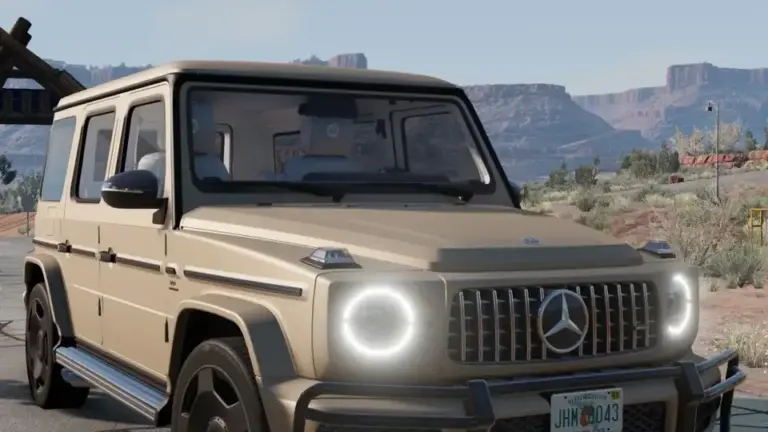
By default, traffic draws from the official vehicles and from any active mod vehicle that is marked as suitable for traffic in its configuration files. Many vehicle mods are: a modded BMW will turn up in the oncoming lane once installed, in one of its configurations. Some authors deliberately exclude their mod (a 1,500-horsepower drag car makes poor traffic), and some exclude it because their mod is heavy and would hurt the frame rate when spawned eight times.
What traffic mods do
Three kinds exist.
- Traffic vehicle packs add cars built for the role: low part counts, plain configurations, sometimes simplified physics. They look better than stock traffic without costing more. The best ones state their per-vehicle cost.
- Behaviour mods change how the AI drives: speed, aggression, lane discipline, how it reacts to crashes. These are Lua scripts; they run code and are the kind of mod to read the description of carefully.
- Traffic groups and presets let you spawn a specific mix (only trucks, only police, only a decade of cars). Small files, no new vehicles.
What a traffic mod cannot do
It cannot make traffic cheap. A pack of twenty beautiful traffic cars still costs one full simulation per car on the road. If a mod page claims “no performance impact”, it means the cars are no heavier than stock, not that they are free.
Traffic on custom maps
Traffic needs roads the AI understands: a navigation graph, which the map author builds in the World Editor. Maps without one spawn traffic that sits still or drives off cliffs. 0.40 fixed several navigation-graph problems with decal roads on the official maps; a custom map built before that may still have them. That is the map, not your settings.
Police
Police vehicles are traffic with a job. 0.40 reworked police light bar modes and 0.40.2 fixed police configurations in the Pursuit split-screen mode. Police chase you when you commit an offence they witness; with police on and traffic high, the pursuit itself adds vehicles over time as units join, so a chase on an already-full map is where frame rates die. Lower the count before starting one.
Settings worth knowing
- Amount: the slider; lower it first.
- Respawn: whether vehicles that drive out of range are recycled near you. Keeping it on gives the impression of more traffic for the same cost.
- Use modded vehicles: turn this off to test whether a heavy mod is what slows traffic down.
- Simplified vehicles: replaces far-away AI cars with lighter versions when the map and mods support it; the single biggest CPU saving when available.
 BeamNG.drive on PlayStation 5: what the console version includes, and why mods stay on PC for now
 How to install BeamNG.drive skins, and why some need another mod first
 How to install BeamNG.drive map mods, and what to do when a map will not load
 How to read the BeamNG.drive log to find the mod that crashes your game