Battlefield 6 Server Browser Launches Early, Rollout Starts After Phase 2
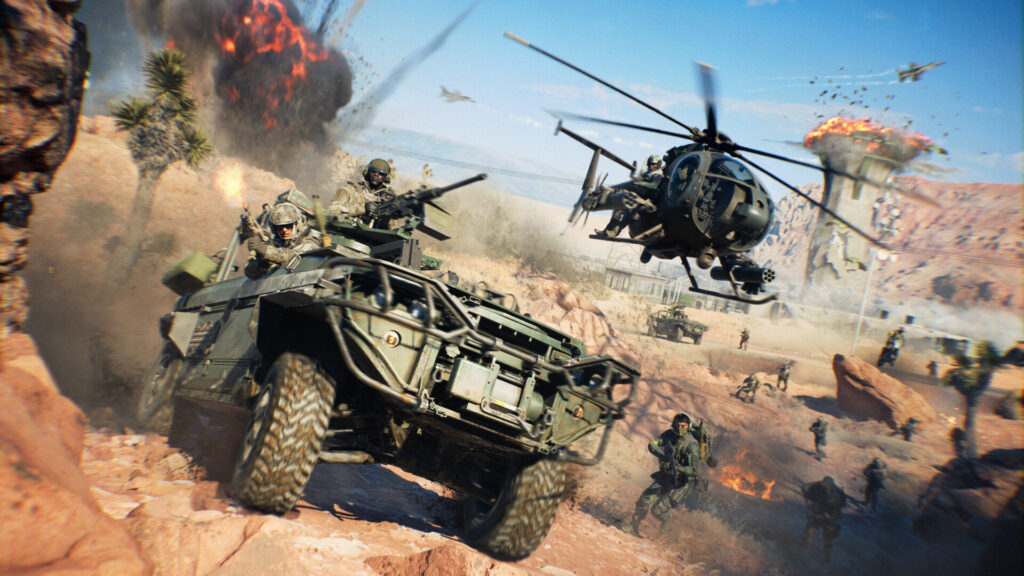
Battlefield 6 is getting its Server Browser sooner than planned. The developer announced on November 3, 2026 that the feature, originally scheduled for Phase 3 of Season 5, is now moving up to start shortly after Phase 2 goes live on November 10.
How the Rollout Works
The team is splitting the launch into two stages. First comes a limited public scale test, where a small group of players gets access directly in the live game so the studio can check server loads, queue times, and matchmaking backfill under real conditions. Once that data checks out and any fixes are applied, the Server Browser opens up to everyone worldwide.
The developer expects this process to take a couple of weeks, but says the exact pace depends on what the live testing turns up. Stability heading into the holidays is the stated priority, so timing could shift if issues show up during the test phase.
What You Get on Day One
The Server Browser sits right in the Quickplay row and opens into a new Official tab showing active servers with no extra steps. You will also see Server Browser tiles in other menus, including Portal.
From there you can browse both Battlefield Studios servers and Official Player-hosted servers in one list, filter by map or mode, and sort by ping, player count, name, or recommendation. Every server in the Official tab counts toward full XP, weapon mastery, and challenge progress, same as standard matchmaking. Persistent lobbies mean you stay with your squad across rounds instead of getting dumped back to the main menu after every match.
Server Types and How They Fill
Official Player-hosted servers run on dedicated infrastructure, so the host doesn’t need to stay logged in to keep the match alive. These servers stay listed in the browser even while empty, but matchmaking won’t backfill an empty server on its own. Someone has to join first to seed it before automated players start routing in.
A server with no players gets delisted after seven straight days of inactivity, and that timer resets the moment someone joins. Hosts can shut a server down between rounds or when launching a new one, but logging off for the night won’t cut a match short for anyone still playing.
Backfill also depends on whether a mode is currently featured on the main Quickplay or Multiplayer menus. Modes like Conquest or Breakthrough, plus anything else active on those menus, get automatic backfill once at least one player is in. Modes not currently featured still work, but they rely on your squad or community finding them through the browser directly, and backfill kicks back in automatically if that mode rotates onto the main menus later.
What This Means for Players
How you join changes what happens to you after a round ends. Enter through the Server Browser and you stick with that specific server through its map rotation. Enter through Quickplay or Multiplayer and you get re-queued automatically if that server is locked to a single repeating map, so you won’t get stuck in an unintended loop. Custom Search, meanwhile, prioritizes your chosen maps and modes and will route you to a different server if the current one doesn’t match what you picked.
Existing Portal tools, rule modifiers, and admin controls in the Verified and Custom tabs aren’t changing. If you’ve set up a Portal server or rely on specific rulesets there, nothing about this update should disrupt that setup. The developer says more details on exact rollout timing and a full usage guide are still coming.
Based on the developer's announcement on Steam, 3 November 2026.
 Battlefield 6 Anti-Cheat Report: September MIR Holds Near 3.4%
 R.E.P.O. v0.5.0 Sunstone Update Adds New Map, Pony Enemy, Gamepad Support
 Brotato’s Primal Dread DLC Is Out Now, Plus a Free Update for Everyone
 SCS Software’s October: 1.62 betas, the Coaches DLC, Iceland, Edinburgh in the UK rework and British Columbia