Standalone or replacement? The two kinds of mod in every game, and why the difference matters for conflicts, saves and updates
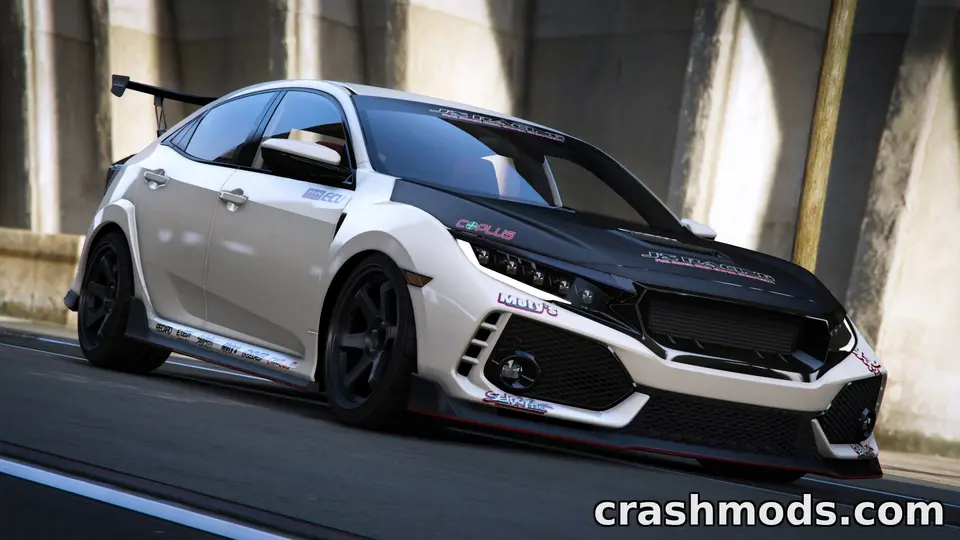
“Standalone” is in half the mod titles on this site, and it is the single most useful word to understand before you install anything. A standalone mod adds something new next to what the game has; a replacement mod overwrites something the game has. The distinction decides whether two mods can coexist, what happens to your saves, and how a mod behaves when the game updates. It means slightly different things in each game.
The general idea
- Standalone: the mod has its own name, its own folder, its own entry in the game’s lists. The original content stays. You can install twenty standalone cars and have twenty more cars.
- Replacement: the mod overwrites the files of an existing vehicle, texture or definition. The original is gone while the mod is active. Two replacements of the same thing fight, and only one shows.
BeamNG.drive
Almost every vehicle mod is standalone: a new folder under vehicles/ with its own name, appearing in the selector as a new car. Replacements exist mostly as parts and skins for stock cars: a mod that adds an engine to the Pessima, or a skin for the D-Series, lives in that stock car’s folder and extends it. Those are additions rather than overwrites, and several coexist unless two define the same part slot. True replacements, where a mod overwrites a stock car’s own files (a “remaster” that replaces the stock model), are rare and should be labelled; they are the ones that break when the game updates that car.
Euro Truck Simulator 2 and American Truck Simulator
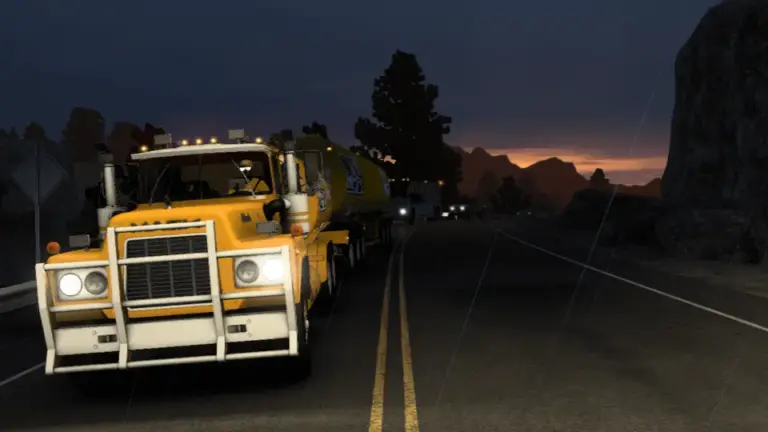
A standalone truck appears in a dealer as a new truck, sold alongside the stock ones. A replacement overwrites a stock truck’s model, so the Scania R in the dealer is now the modded one; older conversions did this because adding a dealer entry was harder. Standalone is better in every way: no conflict with other trucks, no effect on AI traffic unless intended, and removal leaves the stock truck as it was. Paint jobs follow the same split: standalone adds a paint shop entry, replacement overwrites a stock one. Trailers and cargo are nearly always standalone additions.
Farming Simulator 25
Nearly all mods are standalone by design: a new vehicle is a new store item with its own name. Replacements take the form of mods that edit base-game data (price tables, fill types, animal data, the store’s categories); two of those touching the same data conflict silently. The mod selection screen’s conflict message catches declared ones; the rest surface as oddities, as the conflicts guide describes.
GTA V
The scene has both, with their own names. A replace vehicle overwrites one of the game’s cars (the readme names which) through OpenIV’s mods folder; the original disappears, traffic may spawn the mod in its place, and two replaces of the same car conflict. An add-on vehicle is installed as its own DLC pack with a line in the DLC list; the original stays, the new car has its own spawn name, and dozens coexist. Add-ons are cleaner and the standard for anything made in the last several years; replaces are simpler to install and still common for one-off cars.
Assetto Corsa
Standalone by nature: a car is a folder under content/cars, a track under content/tracks, each with its own name. “Replacement” barely exists; the equivalent problem is two mods with the same folder name, where the second overwrites the first.
Why it matters for saves
Removing a standalone mod removes its content and the game substitutes defaults where saves referenced it (a replaced truck, a cancelled job). Removing a replacement restores the original content, and saves that referenced the “same” vehicle keep working with the original model. Removing a replacement and installing a different replacement of the same thing can leave saves pointing at parts that no longer exist. Standalone is safer for a long-running career.
Why it matters for conflicts
Two standalone mods never conflict unless their internal names collide. Two replacements of the same target always conflict. A standalone and a replacement can conflict when the standalone borrows from the replaced content (a standalone truck that uses a stock interior that a replacement has altered). When a mod page does not say which it is, the zip does: a new folder name means standalone; a stock folder name means replacement or extension.
Why it matters for updates
When the game updates a vehicle, a replacement of that vehicle is overwritten or breaks, because the files it replaced have changed shape. A standalone next to it is untouched. Remasters of official content in BeamNG, model refreshes in the truck games (the newer Scania and Volvo FH models) and base-game data changes in Farming Simulator all hit replacements first.
Reading a title
“Standalone” in a title is a promise about all of the above. “Replace” or a stock vehicle’s name in brackets means the other kind. “Add-on” is GTA’s word for standalone. “Parts for the Pessima” or “skin pack for the Scania S” is an extension of stock content, which coexists with other extensions until two claim the same slot. If none of these words appears, open the zip and look at the folder names; it takes ten seconds and settles it.
 Zip, 7z or rar: which archive formats each game accepts, how to repack to zip correctly, and why we prefer zip
 Data, scripts or native code: which mods can actually harm a PC, what a VirusTotal result does and does not tell you, and the red flags
 Before you download a mod: the five-minute checklist that prevents most failed installs
 Steam Workshop, official catalogues and mod sites: how each game handles mods, and the trade-offs of each route