Red Dead Redemption 2 mods: Script Hook RDR2, Lenny’s Mod Loader and staying offline
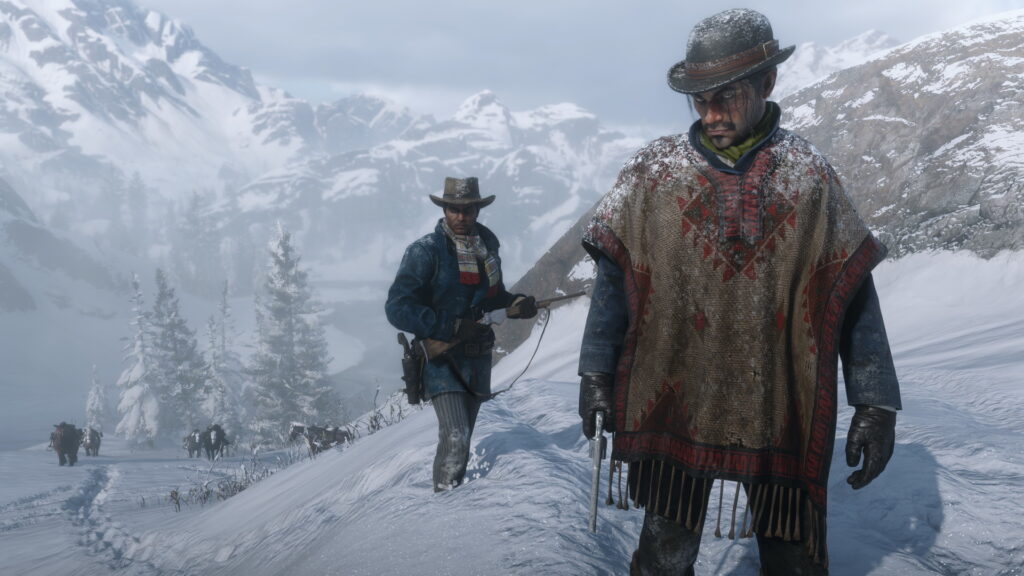
This guide is for Red Dead Redemption 2 players who want to try script mods and file-replacement mods on PC without putting their save or their online account at risk. By the end you will know what Script Hook RDR2 and Lenny’s Mod Loader actually do, how to install them properly, and why mods have no place in Red Dead Online.
What Script Hook RDR2 and Lenny’s Mod Loader actually do
Script Hook RDR2 is the tool that lets script mods run inside the game. Many script mods depend on it, so if a mod page lists it as a requirement, you need it installed and kept up to date alongside the mod itself.
Lenny’s Mod Loader, usually shortened to LML, works differently. Instead of overwriting your original game files, it loads replacement files from its own folder structure. This means your base files stay untouched underneath, which makes it far easier to switch mods on and off or remove them later without damaging your install.
Between the two, you get coverage for most mod types: Script Hook RDR2 handles mods that add new behaviour or menus, while LML handles mods that swap out assets such as textures, models or other game files.
Story mode only, never online
Every mod in this guide is for story mode. Red Dead Online has its own anti-cheat systems, and bringing any script mod or file replacement into that environment risks a ban on your account. There is no safe way to use these tools online, so the only sensible rule is to keep mods out of Red Dead Online entirely.
If you play both modes, get into the habit of treating them as separate. Some players keep mods installed but make a point of disabling them before loading into online, others remove script mods outright when they are not actively modding story mode. Either approach works, as long as you never load into online with active script mods or replaced files.
Back up your saves first
Before installing anything, copy your save files somewhere safe, such as an external drive or a separate folder outside the game directory. Mods that touch scripts or game files can occasionally cause crashes, corrupted states, or saves that behave oddly. A backup means a bad mod costs you nothing more than the time to remove it.
Installing into the game folder
Both Script Hook RDR2 and LML need to go into your Red Dead Redemption 2 game folder, the same place as the main executable. Individual mods that use LML then go into the loader’s own mod folder rather than directly into the base game files, which is what keeps your originals safe.
- Back up your save files to a separate location before touching anything.
- Download Script Hook RDR2 from the author’s own page and extract it into your game folder.
- Download Lenny’s Mod Loader from the author’s own page and install it into the same game folder, following its own setup instructions.
- For each mod you want to add, place its files into LML’s designated mod folder rather than overwriting base game files directly.
- Keep a written list of every mod and tool you install, including where each file came from.
That list matters more than it sounds. Once you have several mods running, it becomes hard to remember which one changed what. A simple text file with the mod name, source and install date (or just the order you added things) saves a lot of guesswork later.
If something goes wrong
If the game crashes on launch after installing a mod, remove the most recently added file first and test again. Working backwards through your list, one mod at a time, is slower than removing everything at once, but it tells you exactly which mod caused the problem instead of leaving you guessing.
If your save behaves oddly, such as missing progress or broken triggers, stop and restore your backup save rather than trying to push through. Script mods that alter game logic can sometimes interact badly with existing save data, and a clean backup is the fastest fix.
If the game will not start at all, check that Script Hook RDR2 is updated to match your current game version, since mismatches between the tool and the game are a common cause of launch failures.
Removing mods
Because LML keeps your original files separate, uninstalling is usually a matter of deleting the mod’s files from LML’s mod folder and leaving the base game alone. For Script Hook RDR2 itself, removing its files from the game folder returns the game to its unmodded state. Keeping your mod list up to date makes this process quick instead of a guessing game.
Treat your mod list as part of the install, not an afterthought. A few minutes spent noting what you added will save far more time the day something needs removing.
 BeamNG.drive performance with many mods: what costs frames, what does not, and the settings worth changing in 0.40
 BeamNG.drive config packs: what .pc files are, how to install them and how to save and share your own
 Monster Hunter: World mods: setting up Stracker’s Loader and the nativePC folder
 Valheim mods with BepInEx and a mod manager: the usual setup