Farming Simulator 25 patch 1.25: hired hands for horses and alpacas, year-round vineyards, and a modding change
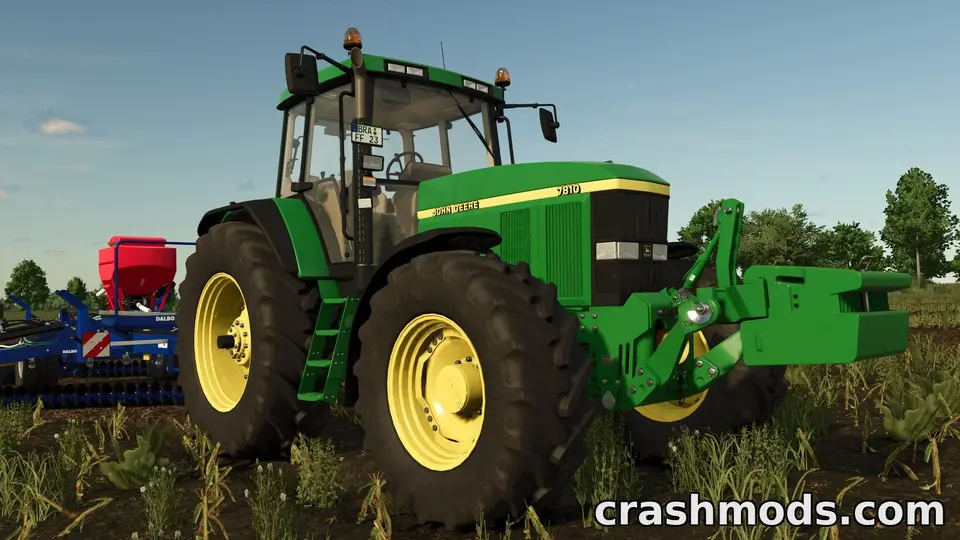
GIANTS released patch 1.25 for Farming Simulator 25 on 20 October 2026. It is a quality-of-life patch rather than a content drop (the content is coming separately in the Beans & Alpacas expansion), but it has one line that matters to tool-mod authors, and it follows a September patch that quietly changed what script mods are allowed to do. Here is the useful summary.
Hired help for horses and alpacas
The patch introduces animal workers: you can now hire a helper to ride and groom your horses, and to lead and shear your alpacas. Until now both animals demanded your own time every day, which is why many players avoided them. With a worker on the job, horses and alpacas become a reasonable side business on a farm you mostly run from the cab of a harvester.
Vineyards all year round
Two vineyard changes. Vineyards can now be planted in any season, not only in the planting window, and a new boundary painting tool for vineyards and olive orchards makes it easier to lay out rows that follow the shape of your land. If you use a map mod with awkward hillside plots, the second change is the one you will feel.
Construction progress on the HUD
Construction projects now show the progress of each step directly on the player HUD, so you no longer have to walk over to the site to learn whether the concrete has set.
The modding line
The changelog has a single modding entry, and it was a community request: a new requiresPower option for moving tools. Tool authors can use it to make a moving part depend on power being available, which closes a long-standing gap for implements that previously animated whether or not they were driven.
Remember what 1.24 changed for script mods
Patch 1.24 (29 September 2026, shipped alongside Free Content Update 7 with the Merlo EW 25.5-90 front loader and the SOLÀ AURA 2000 seed tank) contained two modding changes that are still catching people out:
- The Lua loadstring function was disabled for security reasons. Any script mod that built code at runtime with it stopped working on 1.24 and stays broken on 1.25 until its author rewrites that part.
- The getUniqueUserId() function now prints a warning, because it will be removed in a future update. Mods using it still work for the moment; their authors have been given notice.
So if a script mod that worked all summer fails on you now, the game version is the likely cause, not the download. Check the mod’s page for a 1.24 or 1.25 update before reporting it to the author or to us.
What is coming next
GIANTS has been previewing the Beans & Alpacas expansion for weeks: the Catuaí map, coffee cultivation, bananas, new farmhouses and placeables, and a fact sheet collection published on 23 October. Expansions historically arrive with their own patch, and that patch is usually the one that touches mod compatibility more than a point release like 1.25 does. We will cover it when the changelog is out.
Installing FS25 mods after a patch
- Let the game update fully before you touch the mods folder (Documents\My Games\FarmingSimulator2025\mods).
- Start a game once with your mods enabled and read the warnings in the mod selection screen. 1.24 and 1.25 mark script mods that use removed functions.
- Zip files from ModsDrop go into the mods folder as they are; do not unpack them. If a mod shows as missing, the archive name probably contains spaces or brackets that the game rejects; rename it without them.
Sources: the Farming Simulator 25 news feed on Steam, Patch 1.25 (20 October 2026) and Free Content Update #7 + Patch 1.24 (29 September 2026).
 How to install Farming Simulator 25 mods on PC: the mods folder, the zip-name rule and what patches 1.24 and 1.25 changed
 Farming Simulator 25: Beans & Alpacas expansion arrives on 27 October. Catuaí, coffee, bananas, alpacas and what mod users should expect
 Mod conflicts in Farming Simulator 25: what each message in the mod selection screen means and how to resolve it
 Reading log.txt in Farming Simulator 25: finding why a mod was rejected or crashed, and what to send the author