Euro Truck Simulator 2 mods people keep downloading on ModsDrop
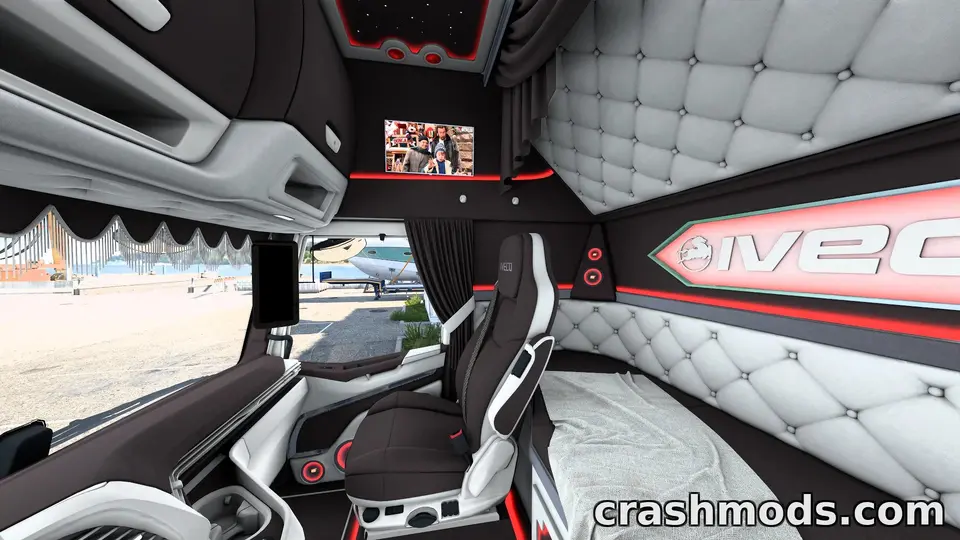
These are the Euro Truck Simulator 2 mods that ModsDrop visitors keep coming back for, listed from the most downloaded. The list covers fixes, interface tweaks, map expansions and a bit of off-road novelty, so there is something here whether you want smoother driving or a bigger world to drive through.
None of these need a big commitment on their own, but a few do rely on other map mods already being installed, so check compatibility before you add them.
Cargo Market Stutter Fix – Smoother Play with Owned Trailers
Cargo Market Stutter Fix targets the stutter that shows up when driving with an owned trailer, a problem that gets worse in heavily modded setups. It works by editing a few lines in the economy_data file rather than adding anything new, so it stays light. Drivers running a large mod list who notice hitching while towing their own trailer are the obvious audience.
Download size: under 1 MB
Top Corner & Small Mirrors
Top Corner & Small Mirrors shrinks the virtual mirrors and moves them to the upper corners of the screen instead of the centre, freeing up the view ahead. A key toggle switches them on or off, and the mod works alongside Convoy Mode. It is a small but useful change for players who find central mirrors intrusive during long hauls.
Download size: under 1 MB
Ferrari 488 2023
The Ferrari 488 drops a drivable supercar into the game through the in-game mod dealer, parked alongside your regular trucks rather than replacing anything. It is built for fast road trips and screenshots rather than hauling cargo, with a listed top speed well beyond what the road network is tuned for. Players after a change of pace between jobs, rather than another working vehicle, will get the most from it.
Download size: about 47 MB
Route Advisor – Transparent HUD Layout Edit
This Route Advisor edit reworks the on-screen HUD layout, moving speed, fuel, time and money to the top centre and giving background panels a lower opacity so they sit less heavily over the road. The damage window stays in the bottom right but shows truck, trailer and cargo images in full. It suits anyone who finds the default Route Advisor too cluttered and wants key stats easier to read at a glance.
Download size: under 1 MB
Road to Caucasus – Expansive Regional Map Add-on
Road to Caucasus is a large regional expansion that redesigns Prohladnyi, Mozdok, Nalchik and Baksan, rebuilds numerous intersections and roads, and adds a long list of new companies alongside extra traffic vehicles. It also includes connections to other map projects at Nevinnomyssk and Atyrau. This one is for players who want a substantial new region to haul through rather than a quick addition.
Download size: about 323 MB
Rhineland Map – ProMods Road Connection
This Rhineland Map connection links Rhineland Map and ProMods so the two can be driven as one continuous network, with this version built to fix roads and issues left over from an earlier connector. It needs both Rhineland Map and ProMods already installed. Drivers already running both of those larger map mods are the ones who will get the use out of this.
Download size: about 34 MB
Immersive Traffic – Realistic AI Behavior and Density
Immersive Traffic adjusts spawn ratios for cars, trucks, buses, trams and trains, with heavier traffic by day and a quieter network at night. It also tunes AI driver behaviour and gives major car brands more realistic colours. Anyone who finds the default roads too sparse, especially around cities, will notice the difference straight away.
Download size: under 1 MB
Road to Caucasus + RusMap Road Connector – Linking Roads Around Volgograd
The Road to Caucasus + RusMap connector joins those two Russian map projects with linking roads around Volgograd, including a route between Akhtyubinsk and Krasnoslobodsk, and fixes an invisible road near Zimovniki. It is built specifically for players running both Road to Caucasus and RusMap [Aldimator] together. Without both of those installed, this connector has nothing to link.
Download size: about 16 MB
A few practical notes
- Add mods a handful at a time and take a short drive before installing more, so you can tell which one caused any issue.
- Check the connector mods against the map mods they need; without Rhineland Map, ProMods, Road to Caucasus or RusMap already installed, those links do nothing.
- Keep economy or traffic tweaks like the stutter fix and Immersive Traffic near the top of your mod manager list, above map mods, as suggested in their own notes.
- If a new stutter or visual glitch appears after adding several mods at once, remove the most recent addition first rather than reshuffling the whole list.
 How to install Euro Truck Simulator 2 and American Truck Simulator mods: the folder, the load order and the version warning explained
 Trailer and cargo mods explained: company trailers, owned trailers, cargo packs, and where each shows up in ETS2 and ATS
 Installed a truck mod but it is not in the dealer? The five reasons, and how truck mods appear in ETS2 and ATS
 Convoy, TruckersMP and mods: what each kind of multiplayer allows in Euro Truck Simulator 2 and American Truck Simulator