Traffic density in ETS2 and ATS: the g_traffic setting, what AI traffic packs really add, filter mods and load order
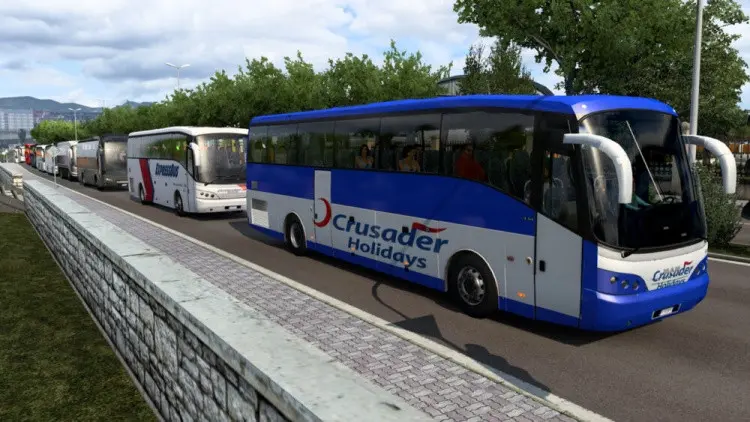
Default traffic in Euro Truck Simulator 2 and American Truck Simulator is tuned for a motorway that never jams. Many players want more cars, more trucks and more variety, and the games give you two levers for it: a single setting that controls density, and traffic mods that control what spawns. The two are independent, and understanding that explains why a traffic pack alone can feel like nothing changed.
The density setting: g_traffic
Both games have an internal variable, g_traffic, with a default of 1.0. Higher values spawn more vehicles; lower values fewer; 0 removes traffic entirely. It lives in config.cfg in the game’s Documents folder (uset g_traffic "1.0") and can also be changed on the fly from the developer console with g_traffic 2. The console needs g_console "1" and g_developer "1" in the same file, after which the tilde key opens it; the console guide covers the details.
Sensible values run from 1.5 to 3. Above about 3 the roads fill with vehicles that block each other at junctions, and the CPU cost rises steeply because every AI vehicle is simulated and rendered. Changes made in the console take effect as new traffic spawns around you, so drive a kilometre before judging.
What traffic mods add
A traffic pack adds vehicle models to the pool the game draws AI from: cars, trucks, buses, trailers, with real or fictional liveries. It does not raise density unless its author has also changed the spawn rates (some do; the description says). With a 500-car pack active and g_traffic at 1.0, you see the same number of vehicles as before, just different ones. Raise g_traffic if you want more of them.
Three families of traffic mod exist:
- Vehicle packs: more models in the pool. The big ones (this week’s 526-car pack with real 3D logos, the 140-truck pack with BDF combinations) are mostly texture weight; they cost video memory in cities and little else.
- Filter mods (“no default SCS cars/trucks/buses”): remove the stock traffic vehicles so only the modded ones appear. Tiny files. They must sit above the packs they filter in the Mod Manager, because they override the stock traffic definitions and the packs add theirs below.
- Behaviour mods: change AI speed, aggression, overtaking, spawn rates per road type, and sometimes the daily rhythm of traffic. These are the ones that genuinely alter density and feel, and the ones most tied to the game version.
Load order for traffic
- Behaviour mods at the top of the traffic group (they adjust rules the packs use).
- Filter mods next.
- Vehicle packs below them, in whatever order; they do not conflict with each other unless two include the same vehicle.
- Trailer traffic packs below the truck packs they attach to.
All of it below map mods and above sound and skin mods, as in the general install guide.
Performance
Density costs CPU; packs cost video memory. If the frame rate drops with a pack active at the same density, the pack’s textures are the reason, and lowering the game’s texture quality one step usually recovers it. If the frame rate drops when you raise g_traffic, that is the simulation cost of more vehicles, and only a lower value helps. Cities are where both show; the open road is cheap either way.
Realism notes
Buses and trucks make up most of the traffic the game spawns on motorways by design. Packs that add hundreds of cars shift the mix toward cars; a dedicated bus pack and truck pack keep the heavy vehicles present. The “sports cars in traffic” packs are fun and entirely unrealistic at 6 a.m. on the A2, which the authors know.
Game updates
Traffic packs survive most updates because they only add vehicles. Behaviour mods and filter mods reference the stock traffic definitions and often need an update when the game changes them; the 1.62 beta adds the 2025 Volvo VNL to ATS traffic, which a “no default trucks” filter written for 1.61 will not know about and will therefore not remove. Expect a small update from filter mod authors after 1.62 goes final.
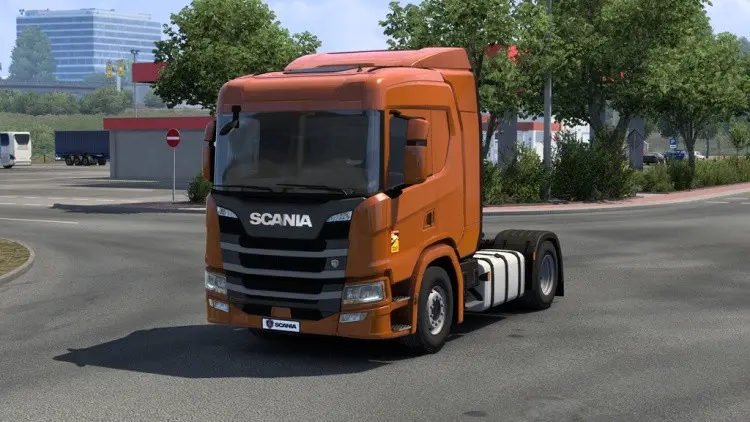 Installed a truck mod but it is not in the dealer? The five reasons, and how truck mods appear in ETS2 and ATS
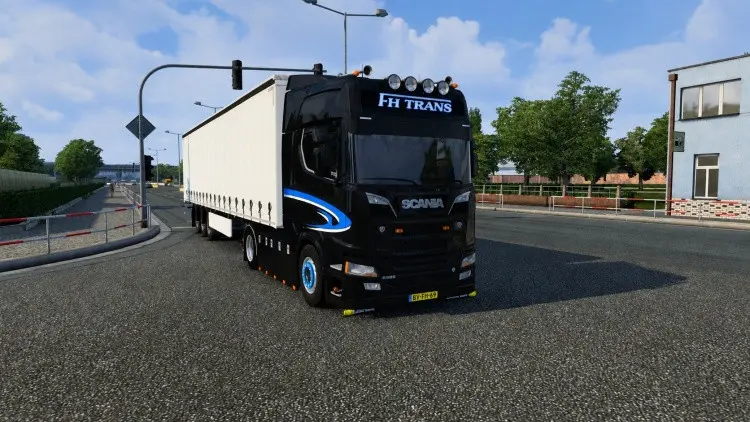 New this week: the Euro Truck Simulator 2 and American Truck Simulator mods that arrived on ModsDrop
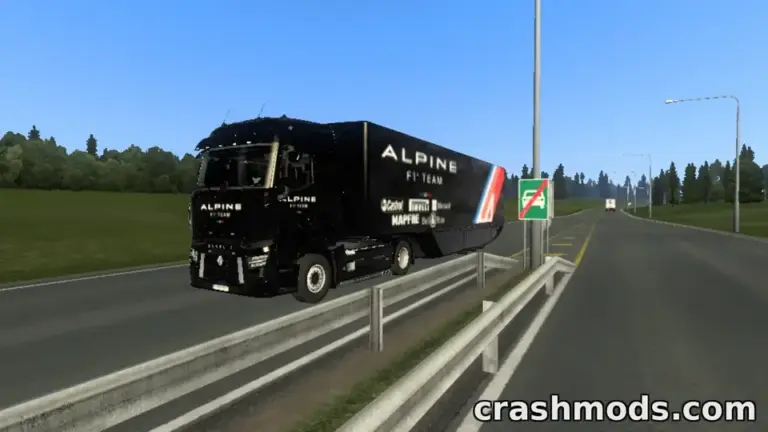 Paint job and skin mods for ETS2 and ATS: how they work, why one skin fits one truck, and what makes a good one
 Euro Truck Simulator 2 mods people keep downloading on ModsDrop