BeamMP and mods: how multiplayer syncs mods, what a server can require, and what stays on your side
BeamNG.drive has no official online multiplayer; 0.40 added split-screen on one machine, and that is as far as it goes. Online play comes from BeamMP, a community-made launcher and server that have been around for years. BeamMP changes how mods work in two ways people trip over: the server decides which mods you run, and your own mods mostly do not come with you. Here is how it fits together.
What BeamMP is
A separate launcher that starts BeamNG with a multiplayer layer, and a server program that anyone can host. You pick a server from the list, the launcher downloads what that server requires, and you drive the same map as the other players with their cars synchronised to yours. It is third-party software, free, and not supported by BeamNG’s developers; when a game update lands, BeamMP usually needs a few days to catch up, and during those days it does not work with the new version. 0.40 on 19 October was such a case for its first days.
Server mods
A server has a list of mods (vehicles, the map, sometimes scripts). When you join, the launcher downloads those mods into a separate folder BeamMP manages, and the game runs with exactly that set. This is why every player sees the same cars, and why a 2 GB map server takes a while to join the first time. The downloads are cached, so the second visit is quick.
This also means a server owner is responsible for what they distribute. A server that offers paid mods or stolen reuploads is doing the same thing a download site would; the mod’s author can ask them to stop, and the big server lists remove servers that do not.
Your own mods
Your single-player mods folder is not used in BeamMP by default. Client-side mods you add to BeamMP’s own folder are allowed only if they do not change the vehicles or the map: UI apps, sound packs, camera tools, graphics settings. A vehicle mod you add yourself will not be visible to the others and most servers refuse it, because a car the other players do not have cannot be synchronised to them. If you want to drive a particular modded car online, find a server that runs it or host your own.
Hosting your own server
The server is a small program that runs on your PC or a rented machine. You put mods into its resources folder, set the map in the configuration, and share the address. Everything you host is sent to everyone who joins, so choose mods that are free to distribute and reasonable in size: a server with 3 GB of vehicles is a server people leave while the download bar crawls. Config packs and skins are ideal server content; they are tiny and add variety to vehicles everyone already has.
Performance online
The physics of other players’ cars is not simulated on your machine the way traffic is; their positions and deformations are received over the network. So a server with sixteen players is far cheaper for your CPU than sixteen AI cars. The costs that remain are the map and the texture memory of the cars on it, which is why heavy 4K vehicle mods are the first thing a server owner should think twice about.
Game updates and BeamMP
- When BeamNG updates, BeamMP stops working until its team releases a matching version. Check their site or Discord before assuming something is broken.
- Servers then need their mods to work on the new game version; a server running an old map that broke in 0.40 will be broken for everyone until the owner updates it.
- Your single-player mods folder and BeamMP’s folder are separate; updating a mod in one does not update it in the other.
Where ModsDrop fits
Files here are ordinary BeamNG mods: a server owner can host them, and a player can use them in single-player, but a player cannot bring a vehicle from here into a server that does not run it. If you host, check the mod’s permission note on its page before putting it on your server; the author’s “do not redistribute” applies to servers as much as to sites.
Safety
Joining a server means downloading whatever it serves. The launcher runs the game’s Lua for server scripts, which is the same trust you extend to any script mod. Stick to servers on the official list, which are moderated, and treat a server that asks you to install something outside the launcher with the same suspicion as any download from a stranger.
 The BeamNG.drive modding pipeline: Blender and Collada, JBeam, materials, the World Editor and Lua
 BeamNG.drive photo mode: better screenshots of your cars and better previews for mod pages
 Drag racing in BeamNG.drive: measuring on the dyno, gearing for the strip, traction, and reading a timeslip
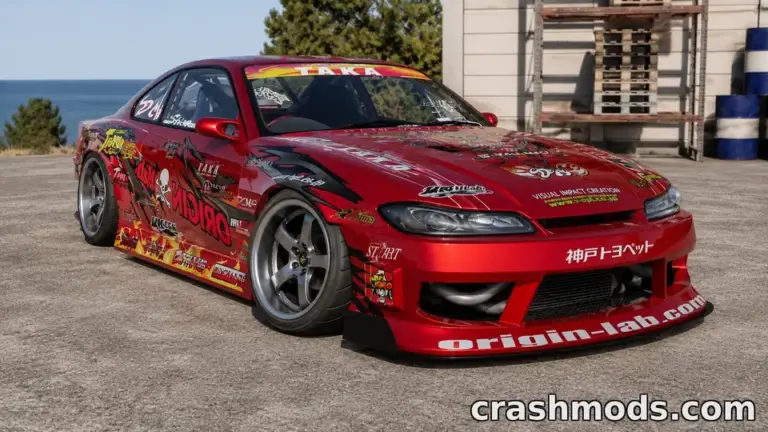 How to set up a BeamNG.drive car for drifting: differential, steering angle, tyres, alignment and gearing