JBeam for players: why BeamNG.drive cars crumple the way they do, and what that means when you download a mod
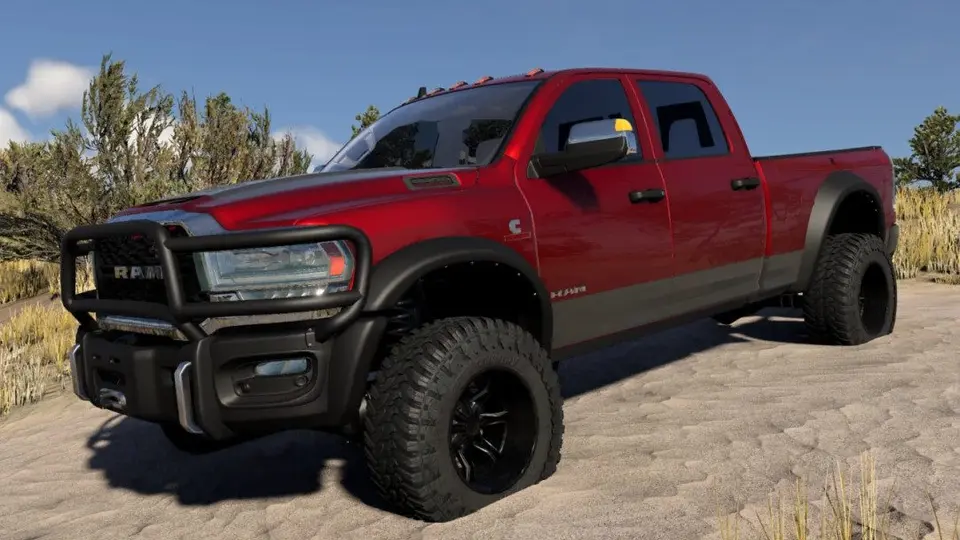
Every description of BeamNG.drive uses the words “soft-body physics”, and every mod page mentions JBeam. Most players never need to know what either means, but knowing a little explains a lot: why a mod’s download is 700 MB, why a car “feels wrong” even though it looks right, why some cars crumple beautifully and others fold like paper, and why certain updates break certain mods. This is the ten-minute version, written for drivers rather than modders.
Cars made of springs
In most driving games a car is a rigid box with pre-made damage shapes swapped in when it hits something. In BeamNG a car is a structure of hundreds or thousands of nodes (points with mass) connected by beams (springs with a stiffness, a damping value and a breaking point). The engine computes the forces on every beam many hundreds of times per second. The body panels you see are a 3D model stretched over that structure; when nodes move, the panels move with them. There is no “crash animation”: a dent is simply where the nodes ended up.
This is also why the game is so demanding of the CPU. Each car on the road is a separate structure being solved in real time, which is why traffic costs what it does and why a map full of parked cars is not free either.
JBeam is the recipe
JBeam is the file format that lists the nodes and beams, the parts they belong to, the weights, the engine and gearbox characteristics, the suspension geometry and the breaking thresholds. It is plain text, close to JSON, and a vehicle mod is largely a folder of JBeam files plus the 3D model and textures. When a mod page says “custom JBeam”, it means the author built the structure for that car rather than reusing one from a stock vehicle; when it says “based on the Scintilla” or “Pessima-based”, it means the opposite, which is a perfectly good shortcut that explains why those mods drive convincingly out of the box.
What makes a mod feel right or wrong
- Node placement and weight. A car with the right total mass in the wrong places understeers or rolls strangely. Good authors measure against the real car’s weight distribution.
- Beam stiffness and damping. Too stiff and the car bounces like a toy and shatters on contact; too soft and it wobbles while standing still. The famous “jelly car” effect is exactly this.
- Breaking thresholds. Set them too low and a kerb strike removes the suspension; too high and the car survives a 200 km/h wall like a tank. Realistic damage is a matter of thousands of individual values.
- Powertrain data. Torque curve, gear ratios, differential types and tyre data are JBeam too. A mod that “has a V8” but accelerates like a hatchback has a borrowed torque curve.
None of this is visible in a screenshot, which is why mod quality varies far more than mod appearance does, and why comments from people who drove the thing are worth more than the preview images.
Why files are so big, and why some are small
JBeam itself is tiny: a complete car’s structure is a few megabytes of text. The size comes from the 3D model and the textures, which is why a 694 MB BMW and a 30 MB Tesla pack can both be complete, driveable cars; the Tesla’s author compressed textures sensibly and the BMW’s shipped them at 4K. Config packs, which only choose parts, are kilobytes.
Why updates break some mods and not others
The JBeam format is stable; a car built in 2022 still loads in 0.40. What changes between versions is what the game provides around it: material names, camera handling, the UI, the occupant system. 0.40 added a new isInside flag for occupant volumes and a seat occupant system, and kept a compatibility layer for mods using the old dash camera name. So vehicle mods survived the update almost without exception, while HUD app mods, which are not JBeam at all but web code, did not. When a vehicle mod does break, it is usually because it overrode a shared file (a common material, a tyre definition) that the game changed, not because of its own structure.
Reading a little JBeam yourself
Open any .jbeam file from a mod zip in a text editor. The first block names the part and its slot; an information block gives the author and a version; further down are the nodes (name, x, y, z) and beams (two node names and their properties). You cannot break anything by reading, and you learn in a minute whether the “custom engine” in a mod is a new JBeam or a renamed stock one. Authors who fill in their name there are also the ones who answer when something is wrong.
What this means when you download
A model can be stolen and reskinned in an afternoon; a good JBeam takes months. The authors whose mods drive well are the ones worth following, their names are in the files, and a reupload under another name is usually betrayed by the information blocks. When we check a copyright report on ModsDrop, those blocks are where we look.
 How to read the BeamNG.drive log to find the mod that crashes your game
 Steering wheels and controllers in BeamNG.drive after 0.40: what changed, what the hotfixes fixed, and how to set up
 BeamNG.drive 0.40 for modders: World Editor changes, the isInside flag, the occupant system, and the three UI breaking changes
 The BeamNG.drive modding pipeline: Blender and Collada, JBeam, materials, the World Editor and Lua