Farming Simulator 25 multiplayer with mods: how mods reach players, hosting a game friends can join, and dedicated servers
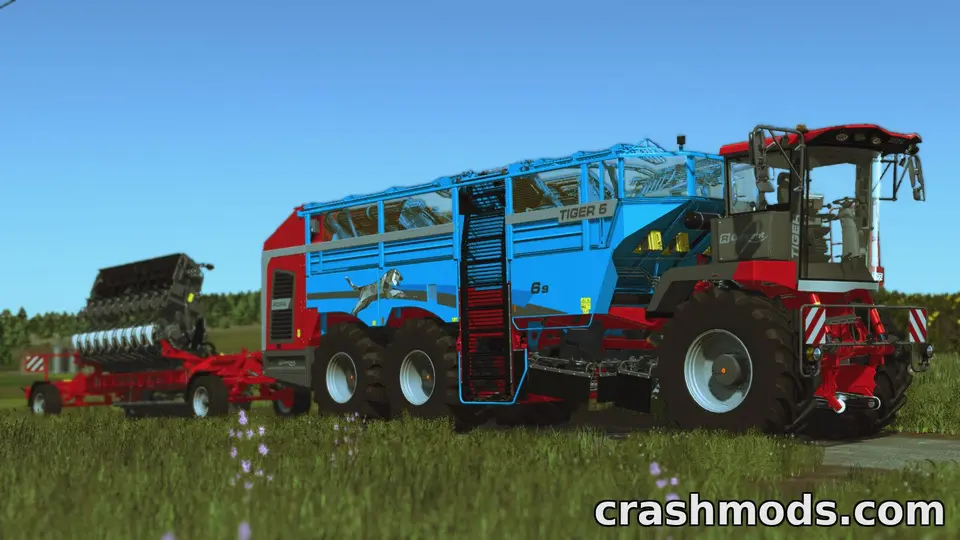
Farming Simulator 25 is at its best with friends, and modded multiplayer works better than in most games: the host’s mods are sent to everyone who joins. The catch is that “everyone gets the host’s mods” also means the host’s mistakes become everyone’s problem. Here is how modded multiplayer works, how to host a game that friends can actually join, and when a dedicated server is worth it.
How mods reach the players
When you host a multiplayer game, the mods active in that savegame are offered to every player who joins. The game downloads them automatically into each player’s mods folder, so your friends do not install anything by hand. A large map or a big vehicle pack makes the first join slow; afterwards the files are already there.
Mods that work in multiplayer
Each mod declares in its modDesc.xml whether it supports multiplayer. Most vehicles, tools, placeables and maps do. Some scripts do not, because they keep state on one machine that the others cannot see. A mod that does not support multiplayer cannot be used in a multiplayer game; the mod selection screen tells you. ModHub mods are tested for multiplayer as part of GIANTS’ review, which is one reason to prefer the ModHub version of a mod when you host.
DLC and the expansion
Official DLC and expansions are not sent to players like mods; each player must own the content the savegame uses. If you host on the Beans & Alpacas map after 27 October, every player needs the expansion. If a mod depends on a DLC, the same applies.
Hosting a game friends can join
- Everyone on the same game version. After a patch, make sure all players have updated before the session.
- Keep the mod list lean. Every mod is a download for every player and a potential error for everyone. A session with fifteen well-chosen mods is better than one with a hundred.
- Prefer ModHub copies where a mod exists there; they are tested for multiplayer.
- Avoid duplicates and conflicts in the host’s list. A conflict on the host’s side means nobody can join cleanly; the conflicts guide covers the messages.
- Test the savegame alone first, then open it to friends.
- Back up the savegame before each session with new mods; it lives on the host’s PC.
When a player cannot join
- Mod download fails: the player’s connection dropped during a large download, or the file is damaged on the host’s side. The player can retry; if it fails again for everyone, re-download the mod on the host.
- Version mismatch: someone has not updated the game.
- Missing DLC: the player does not own content the savegame uses.
- Two copies of a mod on the player’s side: a manual copy with a different version than the host’s. Removing the player’s copy lets the host’s version download.
Dedicated servers
A dedicated server runs the game without a player in front of it, so friends can play when the host is offline. It has a web interface where the admin uploads mods (as zips, following the same naming rules as on a PC: no spaces or brackets), selects the map and manages the savegame. Players joining receive the server’s mods automatically, exactly as from a hosted game. Servers are run on spare PCs or rented from hosting companies that offer Farming Simulator servers. For a regular group, a dedicated server removes the dependency on one person’s PC being on.
Mods and fairness
Some mods change the economy, prices or productivity. In a group, agree on them before the session. A mod that triples one player’s income is less fun for everyone else than it sounds.
Keeping the group’s mods in one place
Share the list of mods and the page addresses they came from, so everyone can see what the session uses. Do not re-upload the files to a group drive; the game sends them from the host anyway, and redistribution is the author’s decision to make.
 Why Farming Simulator 22 mods do not work in FS25, what a conversion involves, and how to spot a bad one
 Farming Simulator 25 mods people keep downloading on ModsDrop
 Reading log.txt in Farming Simulator 25: finding why a mod was rejected or crashed, and what to send the author
 Mod conflicts in Farming Simulator 25: what each message in the mod selection screen means and how to resolve it