The Farming Simulator 25 modding pipeline: GIANTS Editor, the Blender exporter, modDesc.xml, specializations and TestRunner
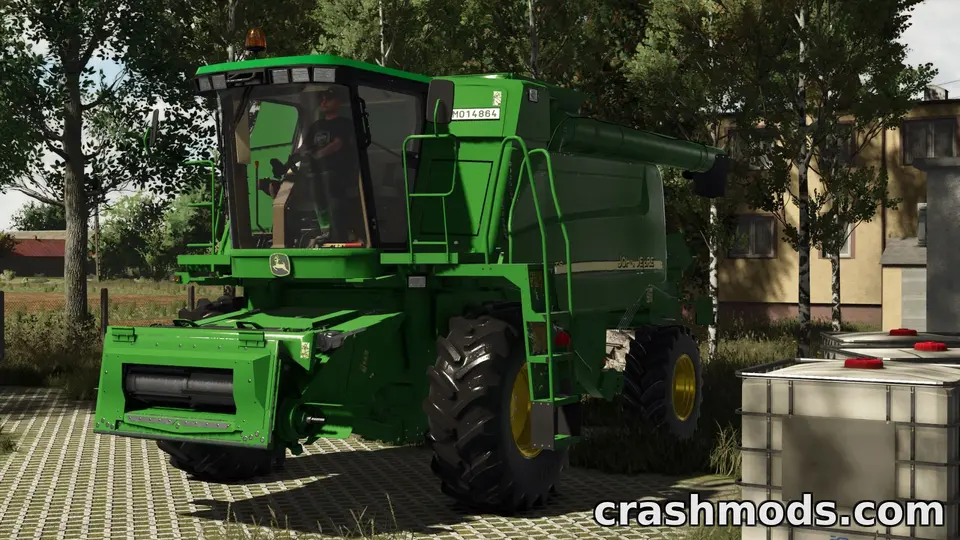
Farming Simulator 25 is built to be modded: GIANTS publishes its editor for free, provides official exporters, documents the scripting API, and runs ModHub as the official route for tested mods. Here is how the pipeline fits together, from a model in Blender to a zip in the mods folder, so that you know what each tool is for before you open it.
The pieces
- GIANTS Developer Network: GIANTS’ site for modders, with the downloads, documentation, the script reference and the forum.
- GIANTS Editor: the official editor for scenes, maps and vehicle setup. Each game generation has its own version; use the one made for FS25, because files saved by an older editor are not what the game expects.
- Blender exporter: GIANTS’ official add-on for exporting models from Blender to the game’s
.i3dformat. - TestRunner: GIANTS’ checker that loads a mod the way the game does and reports errors and guideline problems. ModHub submissions are tested with it; run it yourself first.
What a mod is made of
modDesc.xml: the mod’s identity. ItsdescVersiondeclares the game generation (the reason FS22 mods do not load in FS25), and it holds the version, author, title and description in several languages, the icon, the store items it adds, and whether it supports multiplayer..i3dfiles: the scenes, written as XML, describing the object hierarchy, materials and attributes; the geometry itself lives in a binary.i3d.shapesfile beside them.- Vehicle and placeable XML files: what an item is and does, built from specializations (the reusable behaviours such as fillable, foldable, mower or attacher), plus store data like price and category.
- Textures as
.dds, and Lua scripts where the item needs behaviour the existing specializations do not offer.
A typical workflow for a vehicle
- Model in Blender, UV and texture, export with the GIANTS exporter.
- Open the result in GIANTS Editor, set up the hierarchy, wheels, attachers, lights and collisions, and check materials under the game’s lighting.
- Write the vehicle XML: specializations, configurations, fill units, attacher joints, store data. Starting from a similar base-game vehicle’s XML, as a reference, saves days.
- Write
modDesc.xml. - Zip with a plain name (no spaces or brackets), put it in the mods folder, start a test savegame, read
log.txt. - Run TestRunner and fix what it reports.
Scripts
Script mods use Lua against the game’s API, which the Developer Network documents. The API changes between game generations and occasionally within one: patch 1.24 disabled loadstring for security reasons and announced the removal of getUniqueUserId(), and patch 1.25 added a requiresPower option for moving tools. Read each patch’s modding notes; script mods are the first to break and the first users report.
Maps
Maps are built in GIANTS Editor: terrain, ground types, foliage, farmlands, fields, sell points and productions. They are the biggest projects in Farming Simulator modding, and the ones where changes after release hurt most, because a field layout change requires players to start a new savegame. Plan the layout before publishing, and mark any later layout change clearly in the changelog (why).
ModHub or your own release
ModHub brings testing, console availability and automatic updates, at the cost of guidelines and a review queue. A manual release is immediate and unrestricted but PC-only and untested by anyone but you. Many authors do both. ModHub or manual explains the trade-offs from the player’s side.
Before you publish
A clean log, a clean TestRunner report, a plain zip name, a modDesc.xml with the right version and multiplayer flag, and a description that lists requirements and the tested patch. The release checklist applies in full.
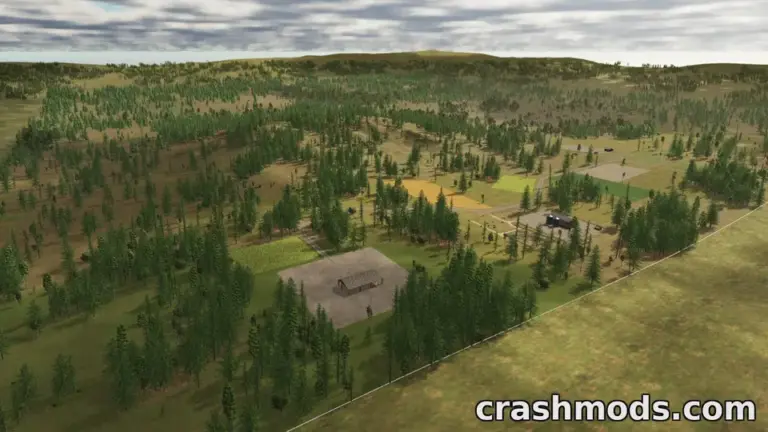 Map mods in Farming Simulator 25: why they need a new savegame, how updates can end a career, and why the zip must never be lost
 Reading log.txt in Farming Simulator 25: finding why a mod was rejected or crashed, and what to send the author
 Farming Simulator 25 multiplayer with mods: how mods reach players, hosting a game friends can join, and dedicated servers
 Mod conflicts in Farming Simulator 25: what each message in the mod selection screen means and how to resolve it