Installing Assetto Corsa car and track mods: the content folders, Content Manager, Custom Shaders Patch, and what EVO changes
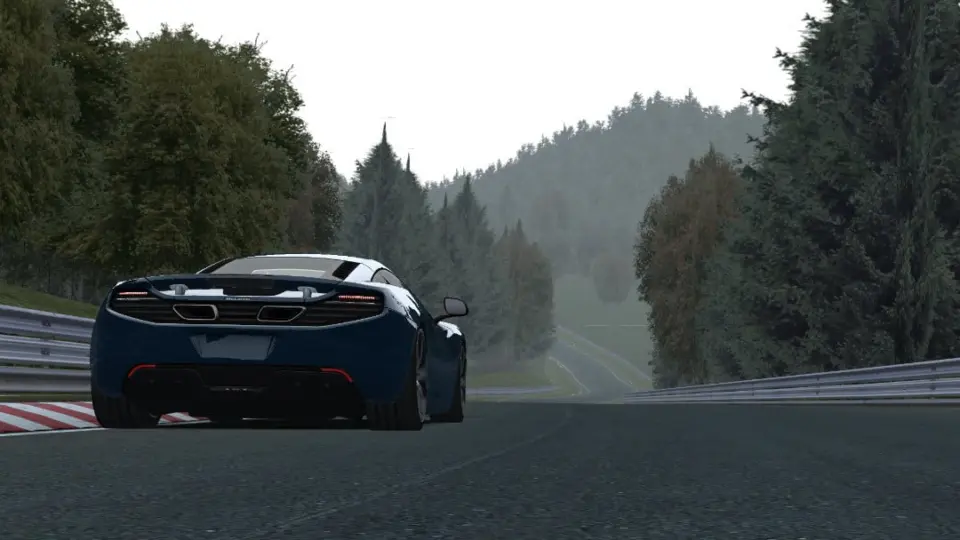
Assetto Corsa is twelve years old and still the most modded racing simulator there is, because its mods are plain folders and its community built the tools the game never had. If you came from BeamNG or Farming Simulator, forget zips in a mods folder: Assetto Corsa mods are extracted into the game’s own installation, and most of them expect two third-party programs to be present. Here is how it fits together, and how the arrival of Assetto Corsa EVO changes nothing for the original game’s library.
Where mods go
Into the game’s installation folder, not Documents. On Steam that is steamapps\common\assettocorsa, and inside it:
content\cars\for carscontent\tracks\for tracksapps\python\andapps\lua\for in-game appsextension\for Custom Shaders Patch and its configs
A car mod is a folder containing the model (.kn5), the data folder with its physics, skins and a UI folder with the preview and description. You extract the downloaded archive and copy that folder into content\cars. The game lists it on the next start. There is no mod manager in the game itself; the folder is the manager.
Content Manager
Content Manager is a replacement launcher written by the community that nearly everyone uses instead of the original. It installs mods by drag and drop (drop the archive onto the window and it extracts to the right place), manages cars, tracks and skins, sets up races and servers, shows missing-content errors, and updates Custom Shaders Patch. The free version does everything a mod user needs; the paid version adds conveniences. If you install only one thing for Assetto Corsa, install this.
Custom Shaders Patch
CSP is a graphics and features extension that has grown far beyond its name: rain, dynamic lights, working wipers and mirrors, extended physics for cars that opt in, a Lua scripting layer, and the base that the modern weather and lighting mods (Sol, Pure) build on. A very large share of car and track mods released in the last few years require a specific CSP version or newer, and say so in their description. Without it, a CSP-dependent car loads with missing lights and odd shadows, or not at all. Content Manager installs and updates CSP from its settings.
Reading a mod’s requirements
- CSP version: the minimum version named on the page. Newer is usually fine; older is not.
- Sol or Pure: the weather system, for tracks and cars that rely on dynamic lighting. Pure is the current one; many older mods say Sol.
- Base content: some cars borrow sounds or data from an official car and need the DLC that contains it.
- Track layouts: a track folder can hold several layouts; the page says which are included.
Common problems
- Car does not appear: the folder is one level too deep (
content\cars\car_name\car_name\...). Move it up. - Missing textures or black car: CSP missing or too old, or the archive incomplete.
- Game crashes on load: a bad data file in the car; try another car to confirm, then remove the folder.
- Sound missing: the car references a sound bank from a car you do not have, or needs its own
.bankand theGUIDs.txtfile the author forgot. - Online: “content mismatch”: the server runs a different version of the car or track. Assetto Corsa online requires identical content down to the checksum, which is why servers publish their packs.
Quality varies more than anywhere
Because installation is trivial and the game is open, the library ranges from laser-scanned tracks and manufacturer-grade cars to ten-minute conversions from other games with no physics work. Encrypted cars (some paid mod makers encrypt their data) cannot be inspected or modified; conversions ripped from other games are a copyright problem and get taken down from hosts when the original rights holder asks. The author’s name and a data folder you can read are the signs of an honest mod.
Assetto Corsa EVO
Kunos’ successor has been in early access since January 2025 and started opening to mods in mid-2026: an SDK and a car editing app in update 0.7 (June 2026), multiplayer mod support in 0.8 (July), with tracks and liveries promised later, and version 1.0 still ahead. EVO mods are a separate format built with the official SDK; nothing from the original game’s library carries over, and the original game’s scene is not going anywhere. For now, “Assetto Corsa mod” on a download site means the 2014 game unless it says EVO.
Keep it tidy
Hundreds of car folders slow the launcher and make conflicts (two cars with the same folder name) more likely. Content Manager can disable content without deleting it. Back up content\cars and content\tracks before verifying game files in Steam, which can remove or reset modified folders.
 The free tools mod authors actually use: Blender, image and texture tools, sound, code editors, Git, and each game’s official tools
 Assetto Corsa mods people keep coming back for on ModsDrop
 Assetto Corsa EVO modding in 2026: the official SDK, multiplayer mods, and what it means for the original game’s library
 Zip, 7z or rar: which archive formats each game accepts, how to repack to zip correctly, and why we prefer zip